

Player History
Every match adds to your story.
Record a match or a practice, keep the result and the people you played with, and come back to it whenever you want.


How it works
Record. Save. Review. Understand.
- RecordScore point by point on your phone or watch, or enter the result when you finish.
- SaveSets, duration, opponents and partners, saved to your account.
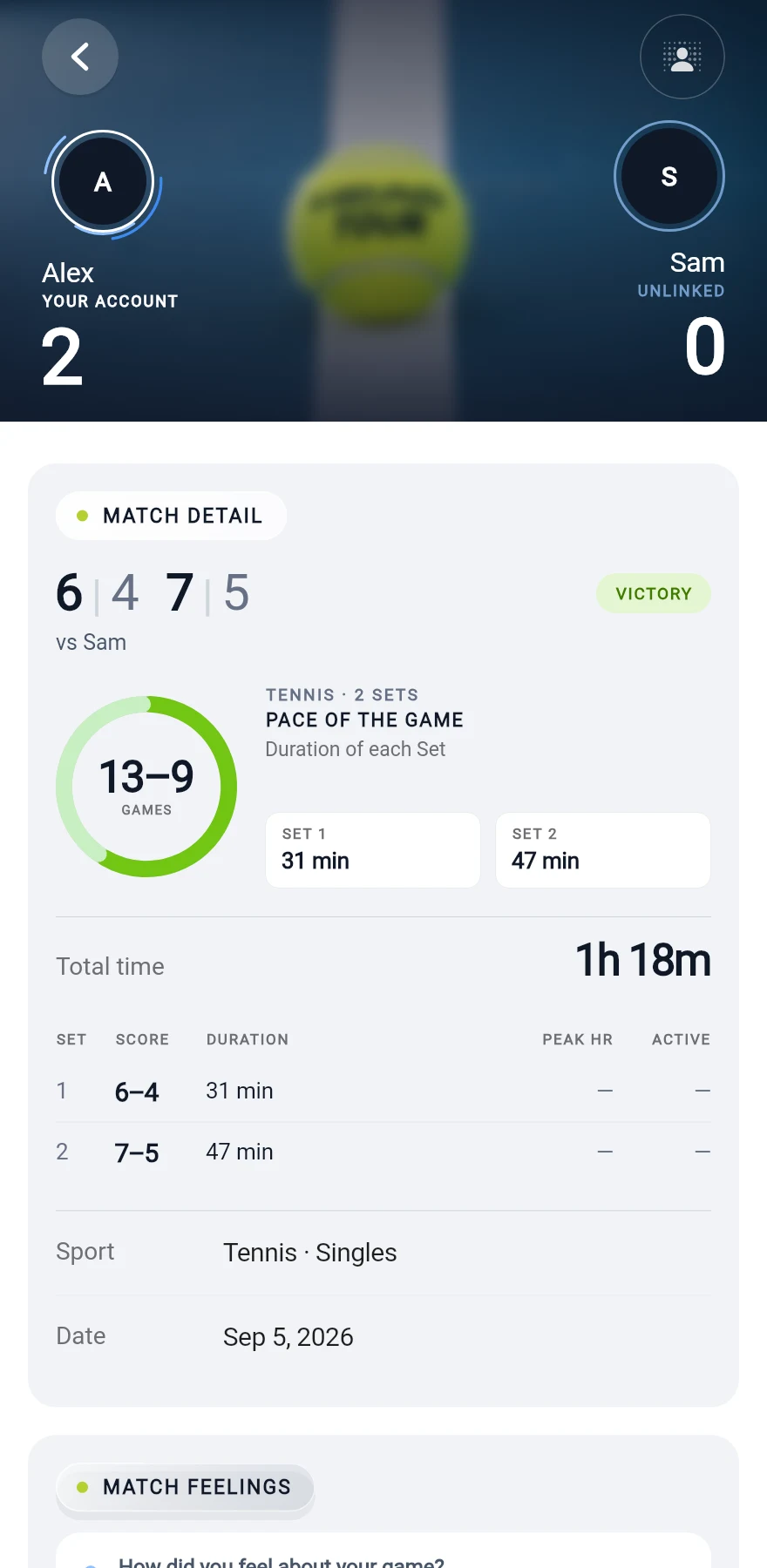
- ReviewEvery session in My Court, with a full page for each match.
- UnderstandInsights show what is changing in your activity.
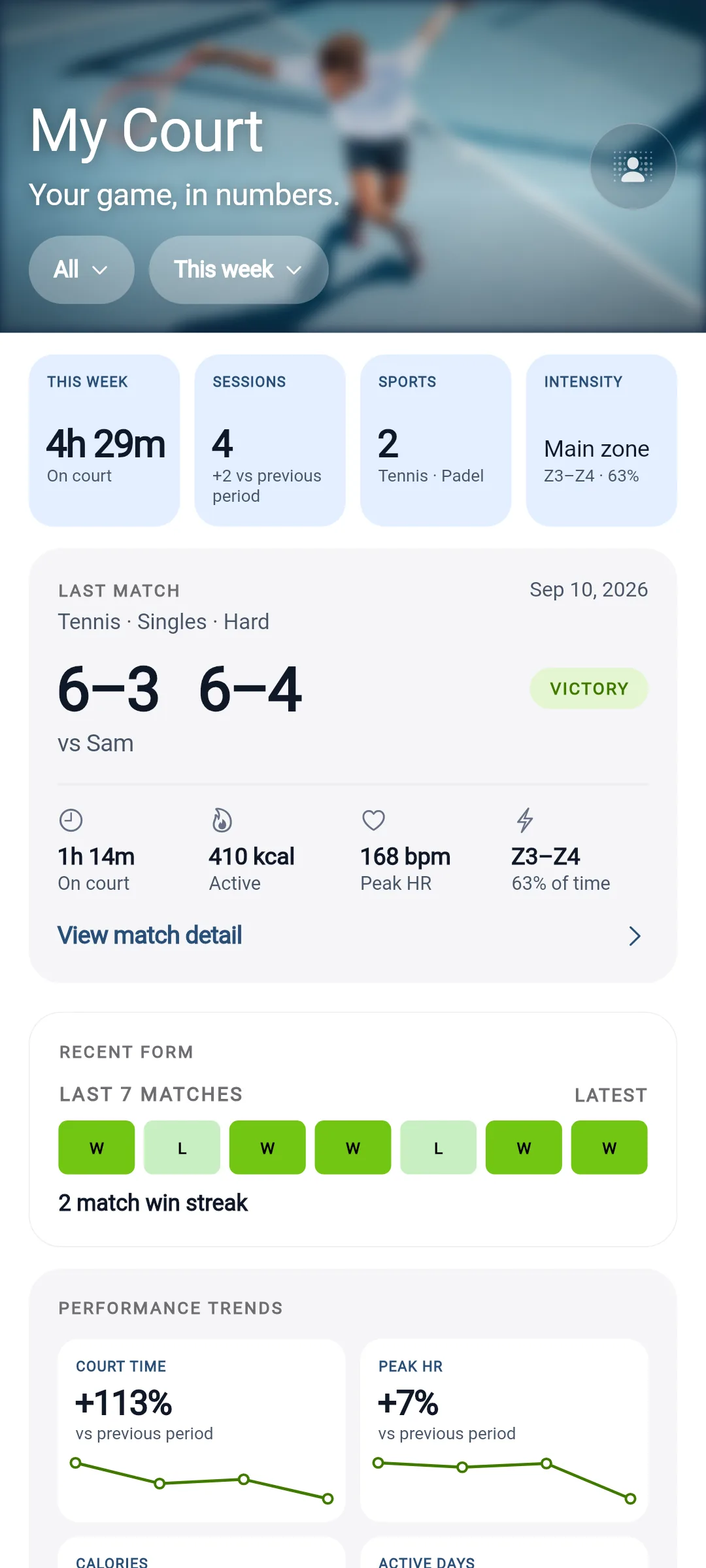
My Court
Your game, in numbers.
My Court is your personal sports dashboard. It turns what you record into numbers you can read at a glance, by week, month or season, compared with the period before. Your My Court is private by default. It is also where Intelligence shows what is changing.
- How much am I playing?
- Sessions, active days, court time and weekly goals.
- How is my form?
- Wins and losses, sets, your current streak and a season review.
- What happened last time we played?
- Every match against each opponent.
- Who do I win with?
- Your partners and your results together.
- Where do I win most?
- Your results on each surface, where the surface is known.
Practices count
Training is part of your history too.
Most players train more often than they compete. Start a practice timer or add one afterwards, with its focus, its context and the partners or coaches you trained with. Focuses cover technique, patterns and physical preparation: strength, coordination, endurance, speed and agility.
Got a detail wrong? Edit a practice's date, start time, duration or focus.

Live match
Play with your phone. Add a watch if you want to.
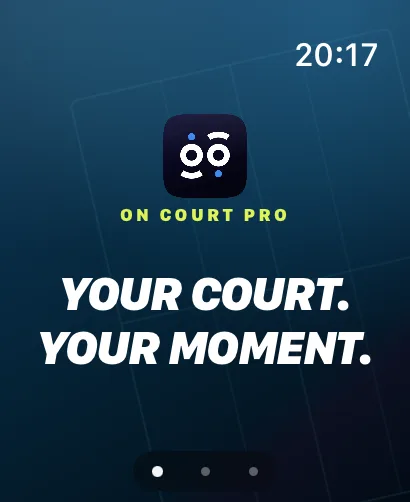
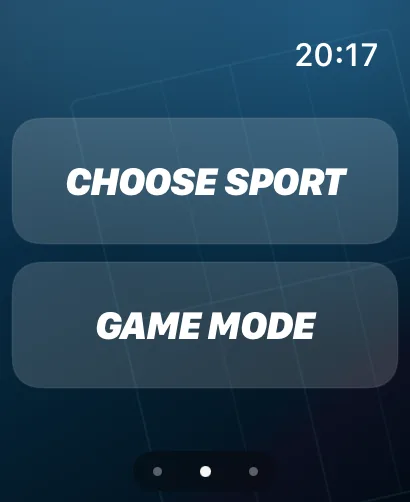
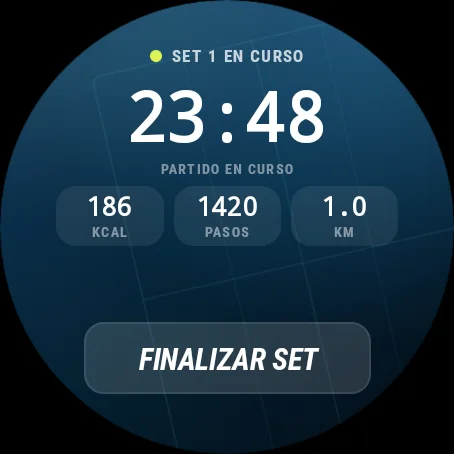
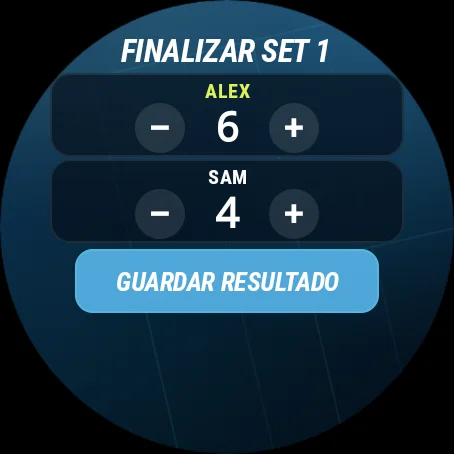
Keep score during the match on your phone or watch. On iPhone, the match stays on your Lock Screen while you play.
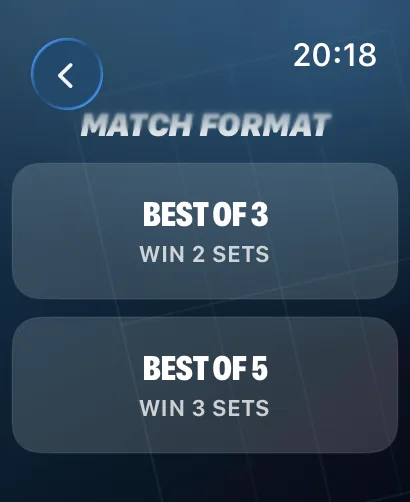
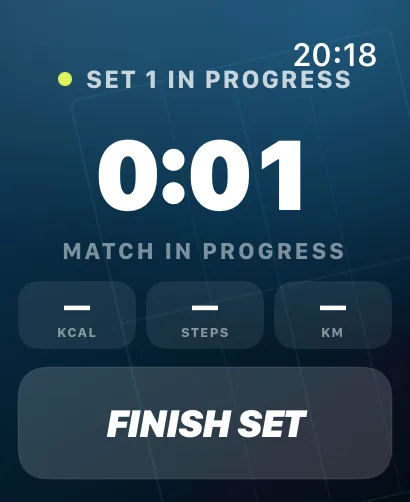
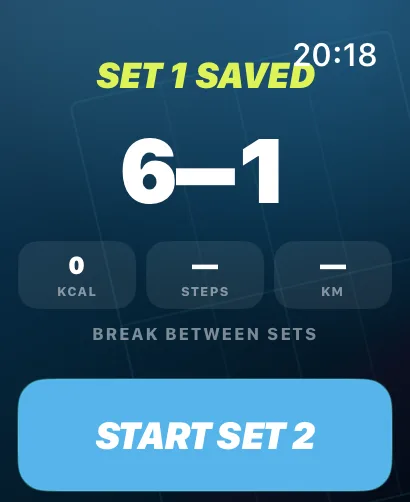
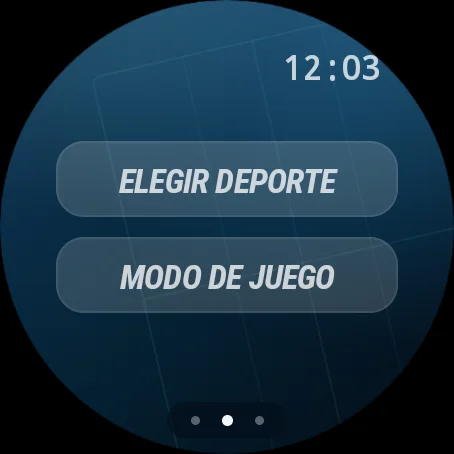
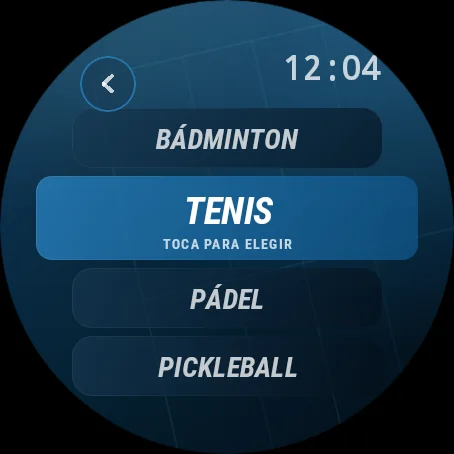
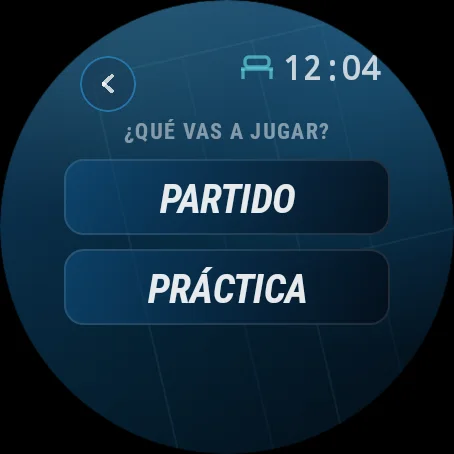
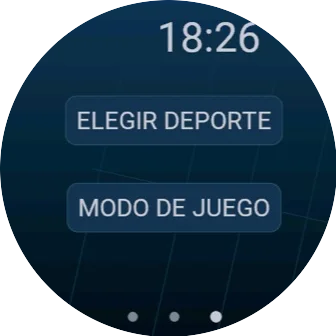
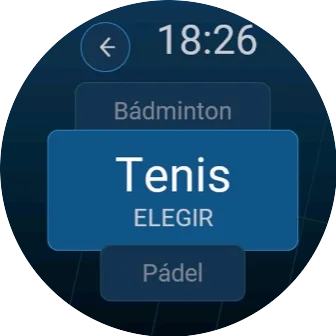
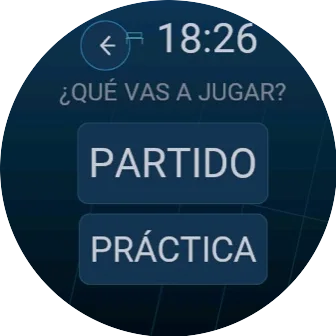
Most of ON COURT PRO works from your phone: record a result, add a practice, confirm a score. With a supported watch, you can start the match from your wrist, score point by point and save the session with the activity data your watch provides.
The people you play with
Results you both agree on.
- In person Your opponent scans your QR code or types your 6 digit code.
- By invitation Send a link so each player claims their place and confirms the score.
- Doubles All four players confirm, each from their own account.
- Corrections A changed score needs a new confirmation.
Player History
Do I need a watch?
No. You can enter the score and duration of each set during the match, or add a summary when you finish. A compatible Apple Watch, Wear OS or Garmin watch can add activity measurements, depending on its sensors and your permissions.
Can I add practice sessions too?
Yes. Start a practice timer, or add the duration, training focus and context afterwards, with optional partners or coaches.
Does every result need confirmation?
No. Your personal history can contain results you have entered yourself. When you want a result to count in a circle, the players in the match confirm it. A changed score needs a new confirmation.
Can I use it offline?
You can keep set results and times on your phone. Syncing, confirming shared results and connection requests need an internet connection.
Wherever the game is played.
Racket sports cross countries, languages and cultures. So does ON COURT PRO. Available on the App Store and Google Play.
Running a club or academy? ON COURT PRO for clubs →