
Phones and watches
Play with your phone. Add a watch if you want to.
Most of ON COURT PRO works from your phone. A watch lets you start, score and save the session from your wrist.


Phone first
Everything starts on your phone.
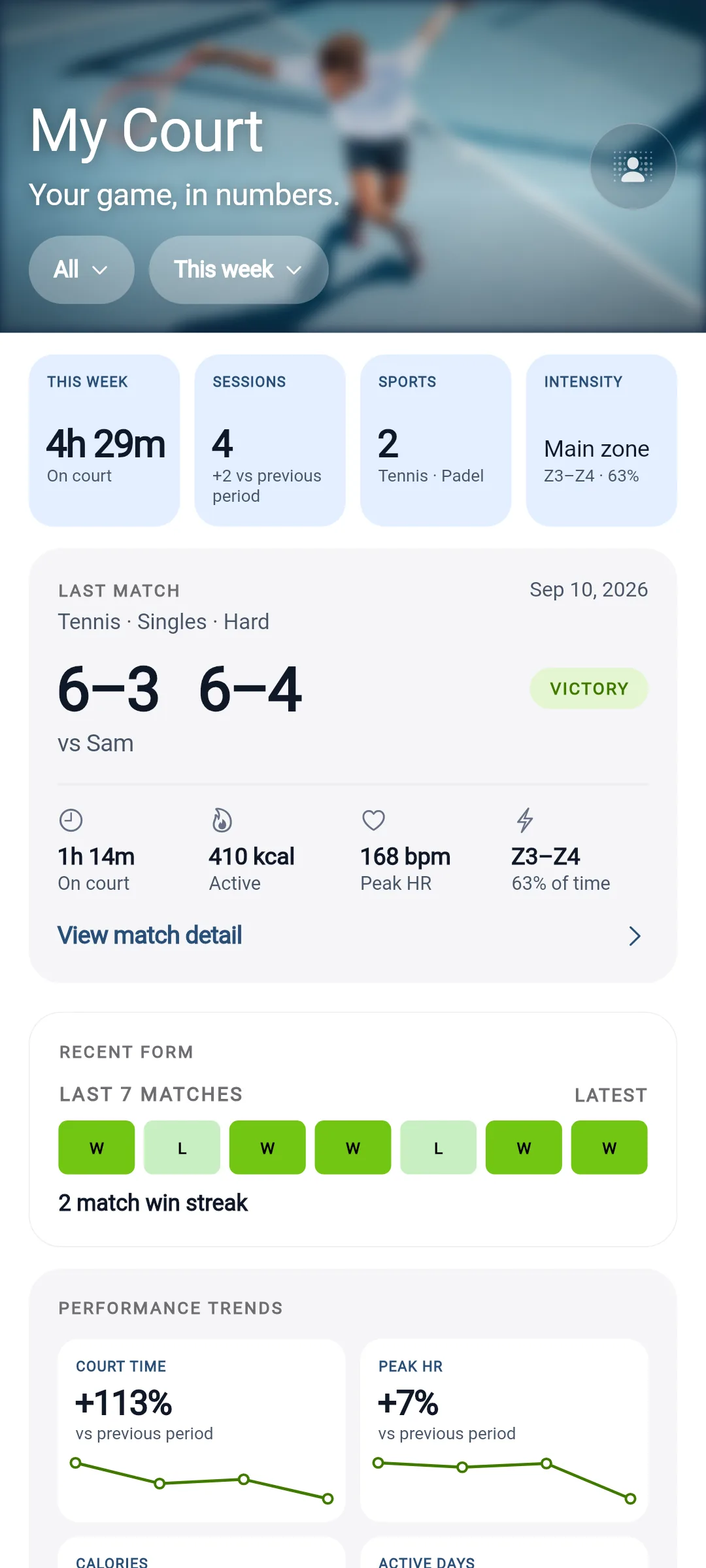
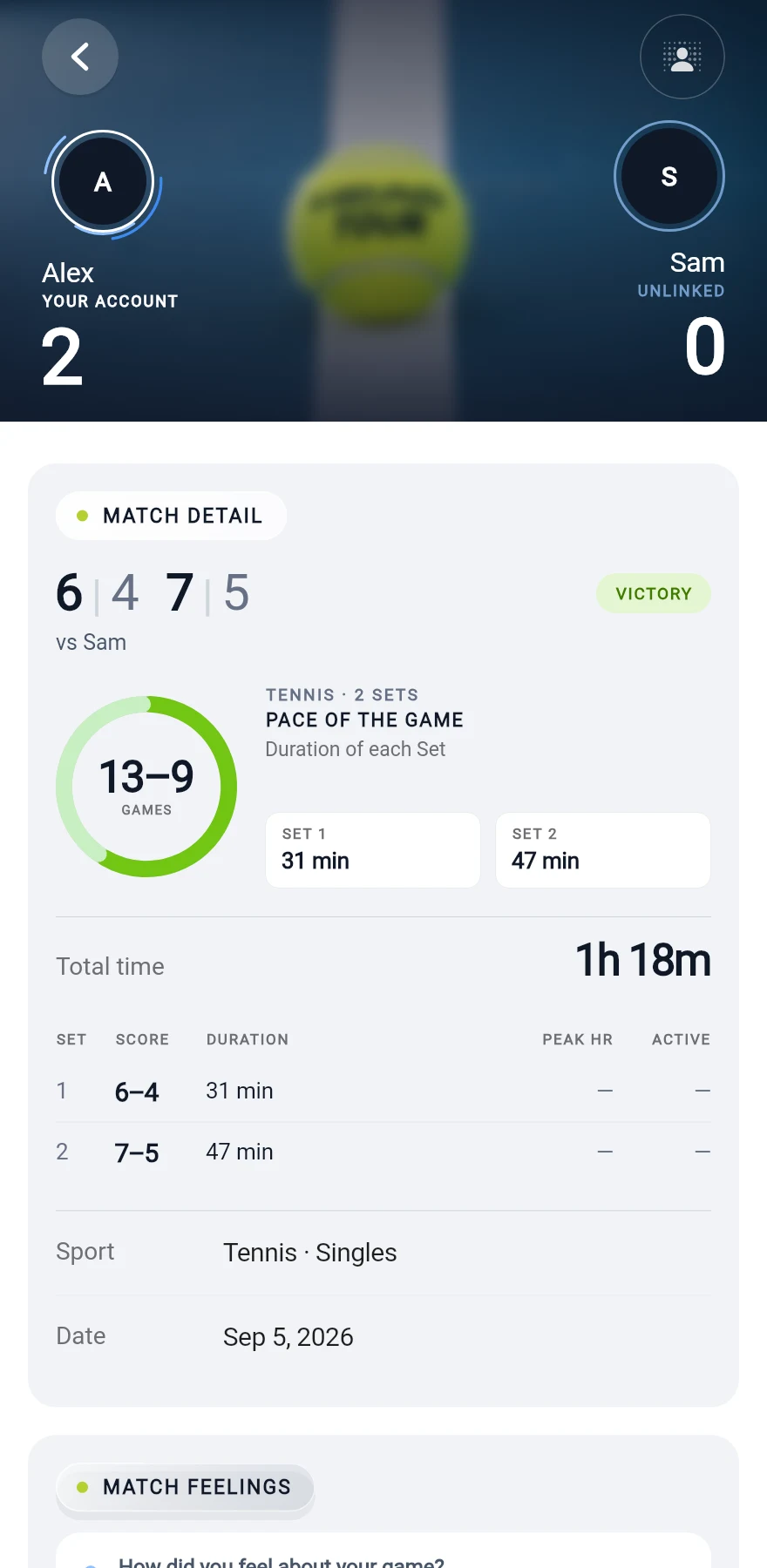
Record a result, add a practice, keep score live and confirm a match from iPhone, iPad or Android. On iPhone, a live match stays on your Lock Screen while you play.
On your wrist
Three watch platforms.
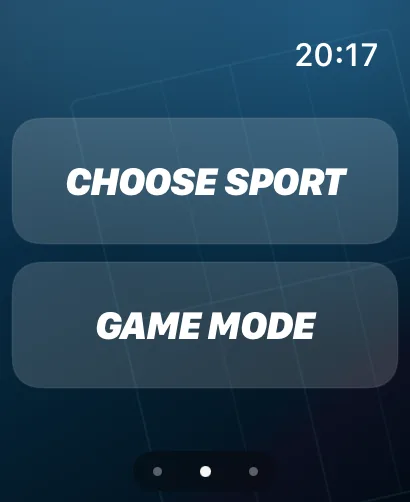
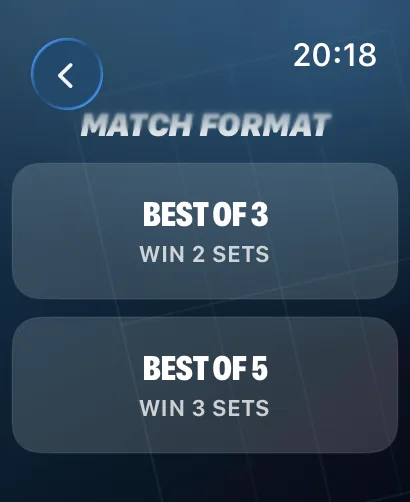
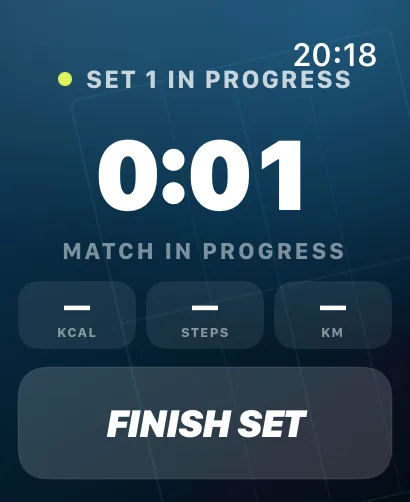
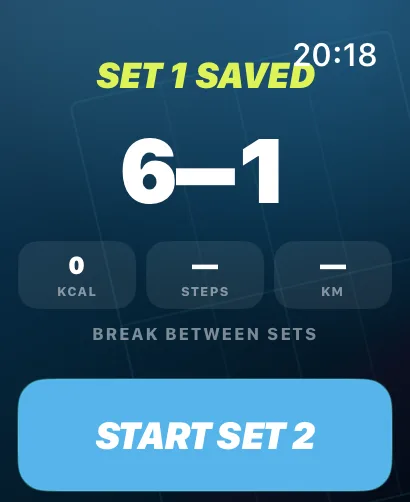
- Apple WatchNative companion app Start the match from your wrist, score point by point and save the session with the activity data your watch provides.
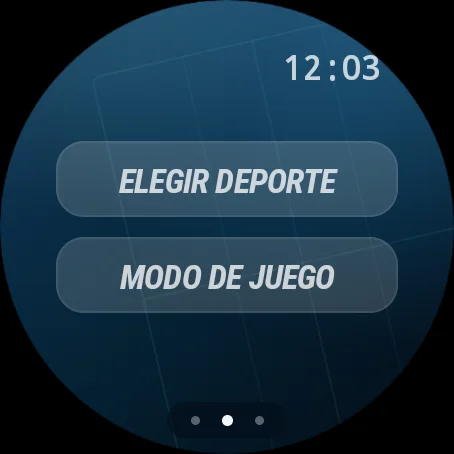
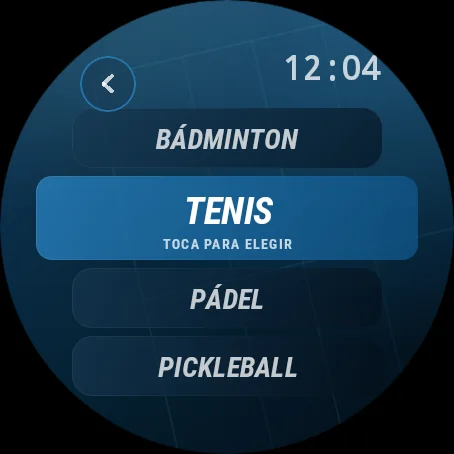
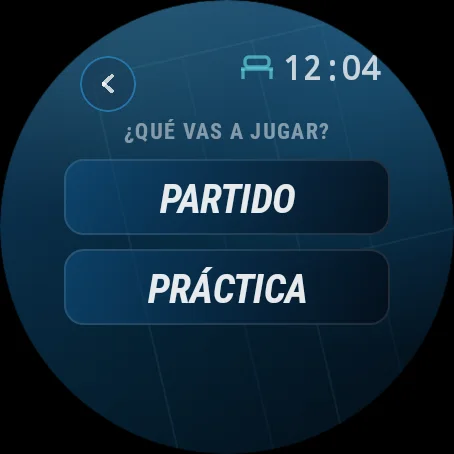
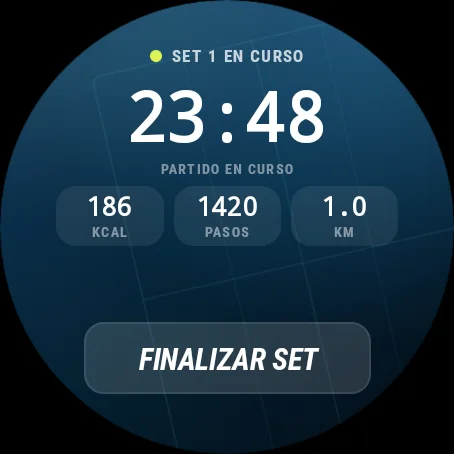
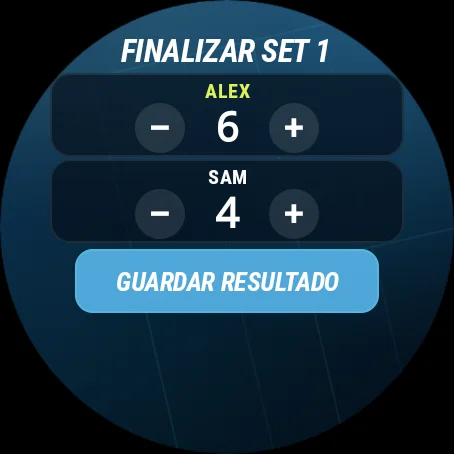
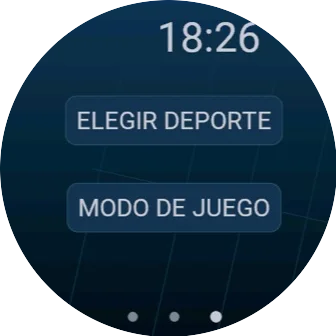
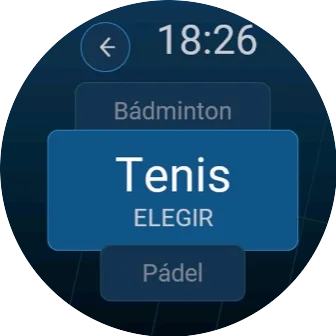
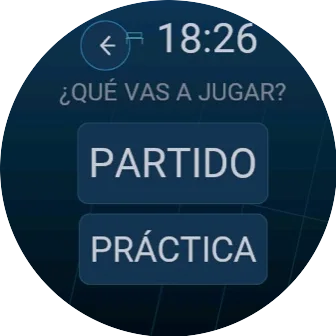
- Wear OSNative companion app The same flow on Wear OS watches, from choosing the sport to saving the last set.
- GarminConnect IQ app Choose the sport and the kind of session, and record it from your Garmin watch.
Activity data
What a watch can add.
Depending on the watch, its sensors and your permissions, a session can include heart rate, heart rate zones, active energy, steps and distance. Health data is never used for marketing, and current ON COURT PRO Intelligence does not use it.
Questions about phones and watches
Do I need a watch?
No. You can enter the score and duration of each set during the match, or add a summary when you finish. A compatible Apple Watch, Wear OS or Garmin watch can add activity measurements, depending on its sensors and your permissions.
Which phones and watches does it work with?
ON COURT PRO runs on iPhone, iPad and Android, with native companion apps for Apple Watch and Wear OS, and a Garmin watch app on Connect IQ. Supported devices and system versions are listed on each store page.
Can I use it offline?
You can keep set results and times on your phone. Syncing, confirming shared results and connection requests need an internet connection.
Wherever the game is played.
Racket sports cross countries, languages and cultures. So does ON COURT PRO. Available on the App Store and Google Play.
Running a club or academy? ON COURT PRO for clubs →